Clementine for Windows
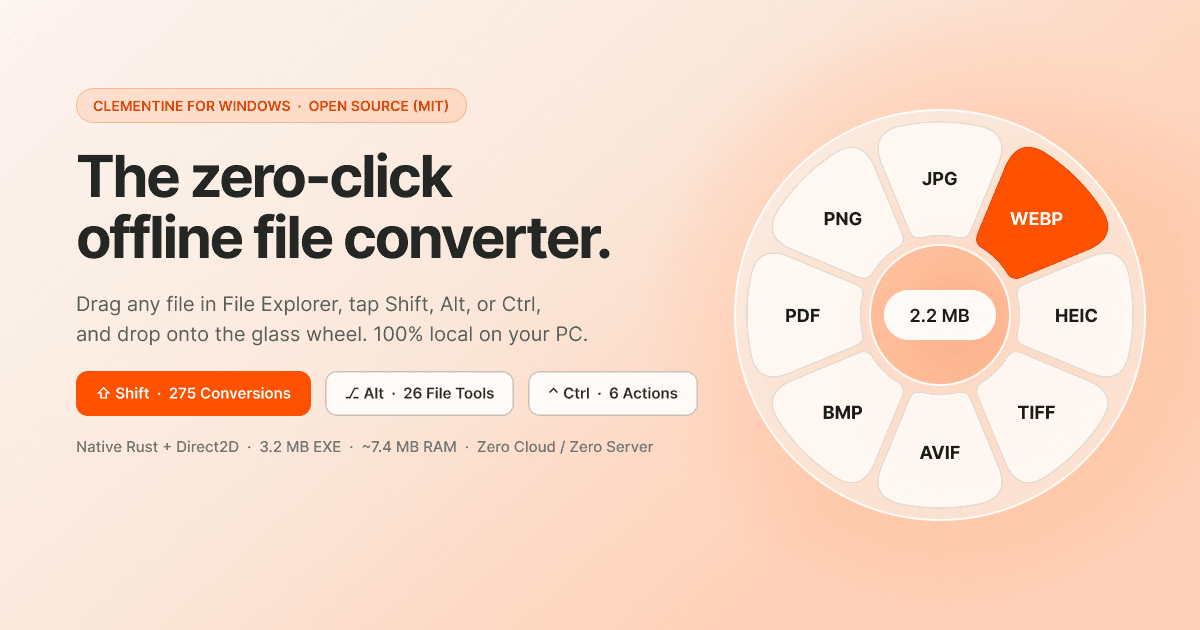
overview.
The UI is a zero-framework software renderer: a layered window driven by UpdateLayeredWindow over a CreateDIBSection premultiplied BGRA surface, with analytical signed distance field shaders for the radial petals, rounded boxes, and icons. The backdrop is captured with BitBlt(SRCCOPY | CAPTUREBLT), run through a separable Gaussian blur (r = 16) and a 1.45x saturation boost, so the wheel looks like frosted glass without DWM acrylic or any GPU dependency. To make the transparent center hole of the wheel accept OLE drops, it is painted with #01000000 (alpha = 1 out of 255), invisible to the eye but opaque enough for WindowFromPoint to land on the IDropTarget. Mouse and keyboard hooks live on their own thread with their own message pump, so modals never stall input.
The local tool suite stays offline end to end. Background removal runs u2netp.onnx through tract-onnx (1x3x320x320 tensor, Lanczos3 alpha matte), OCR and automatic text/face redaction use the Windows.Media.Ocr and WinRT FaceDetector APIs already shipped with Windows, PDFs are decompressed by a hand-written FlateDecode stream parser, and video filmstrips come from FFmpeg image2pipe. A GitHub Releases auto-updater in the tray and dashboard ships new builds of the Clementine-Setup.exe installer.
key features.
- Runs in the tray at about 7.5 MB RAM, roughly 16x lighter than an Electron equivalent
- 275 offline format conversions across documents, images, audio, video, archives, and ebooks
- 29 local studio tools: ONNX background removal, Windows OCR, face and text auto-redaction, 2x/4x upscaling, 7-tile video filmstrips
- Winner of the WeMakeDevs x Wispr Flow Challenge, free and MIT licensed with a GitHub Releases auto-updater
screenshots.
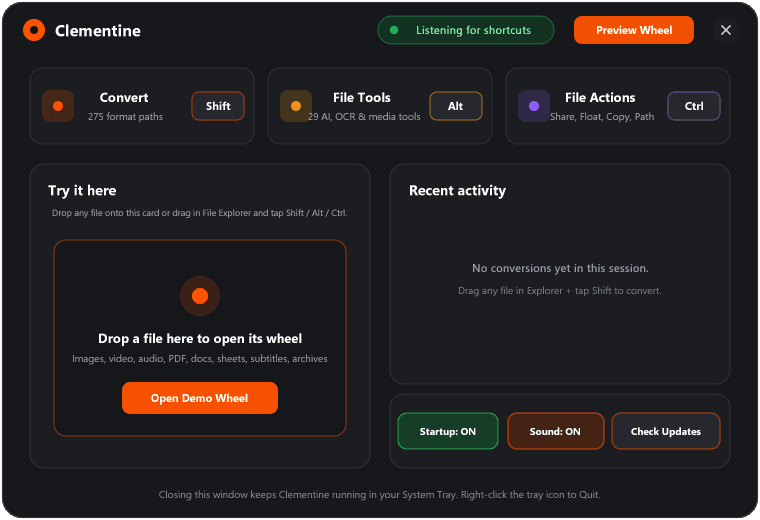
The 760x520 native dashboard with all 275 conversions and 29 tools
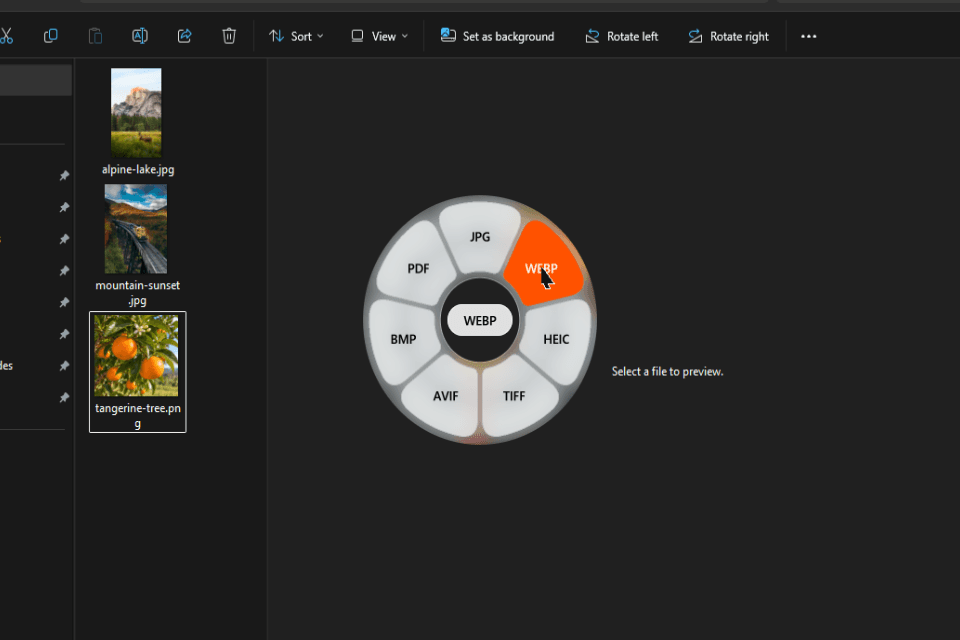
Drag a file and drop it on a petal to convert, no dialogs
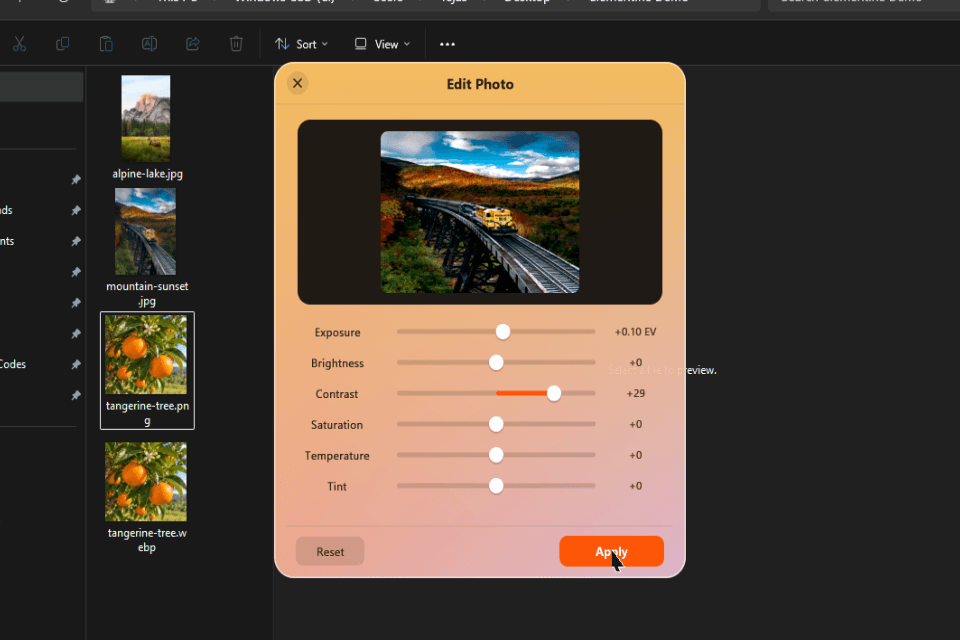
Local photo tools such as background removal, upscaling, and face redaction